The ROI of Investing in a Label Printer for Sale
Investing in the right label printer for sale is not just a hardware purchase — it is a strategic decision that directly impacts efficiency, cost control, and long-term profitability. Below is a clear, point-by-point breakdown of how a LockedAir's label printer delivers a strong return on investment (ROI) for businesses of all sizes.
Reduced Operating Costs: A thermal label printer for sale eliminates the need for ink or toner, significantly lowering ongoing expenses. Over time, the savings from consumables alone can outweigh the initial purchase cost. Businesses that print labels daily see faster ROI compared to traditional printing methods.
Faster Workflow and Labor Savings: Using a reliable label printer for sale allows employees to print labels instantly, reducing manual handwriting and rework. Faster printing means fewer labor hours spent on labeling tasks, allowing staff to focus on higher-value work that contributes directly to revenue.
Fewer Errors and Lower Return Rates: Clear, accurate labels produced by a professional label printer for sale reduce shipping mistakes, misreads, and barcode scanning errors. Fewer errors mean fewer returns, reships, and customer complaints — directly protecting profit margins.
Scalability for Business Growth: A high-performance label printer for sale supports growing order volumes without increasing costs proportionally. Whether handling seasonal peaks or long-term growth, businesses can scale operations efficiently without investing in additional complex equipment.
Minimal Maintenance and Downtime: Thermal printers require less maintenance due to fewer moving parts. Choosing a durable label printer for sale reduces downtime, maintenance costs, and repair expenses, ensuring consistent productivity and a faster return on investment.
Improved Professional Branding: Consistent, high-quality labels printed by a modern label printer for sale enhance brand credibility. Professional packaging improves customer trust and repeat purchase rates, indirectly increasing lifetime customer value and overall ROI.
Versatility Across Multiple Use Cases: A versatile label printer for sale can handle shipping labels, barcode labels, inventory tags, and product identification. This multi-function capability replaces multiple tools with one solution, maximizing equipment value and ROI.
Notice
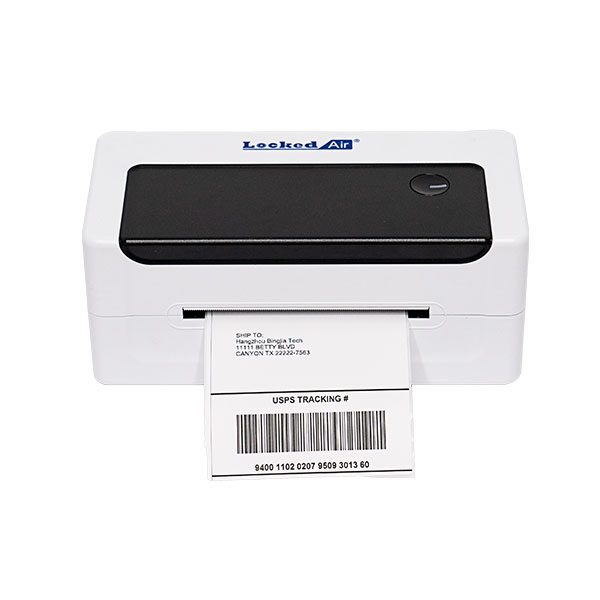
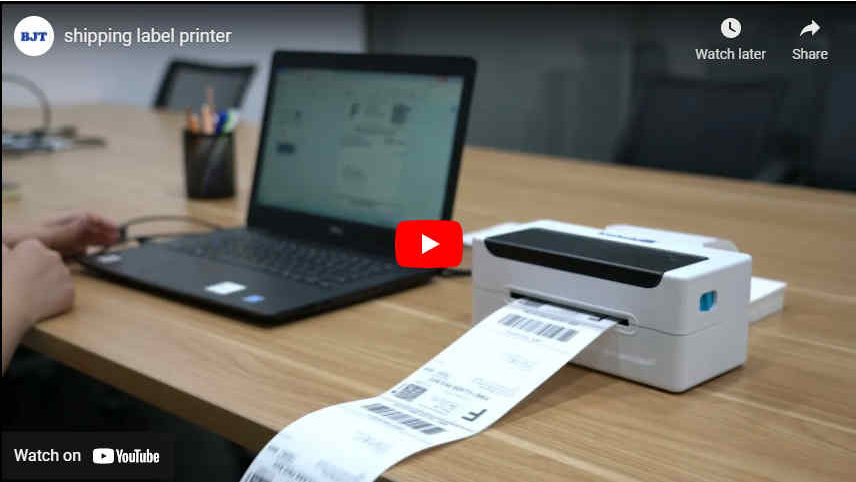
1. The shipping label printer for small businesses doesn’t support wifi or Bluetooth. Use the USB cable to connect to a PC or a laptop.
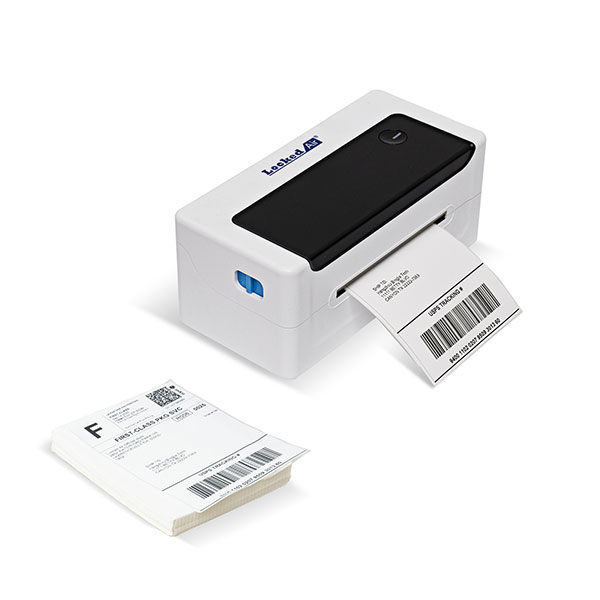
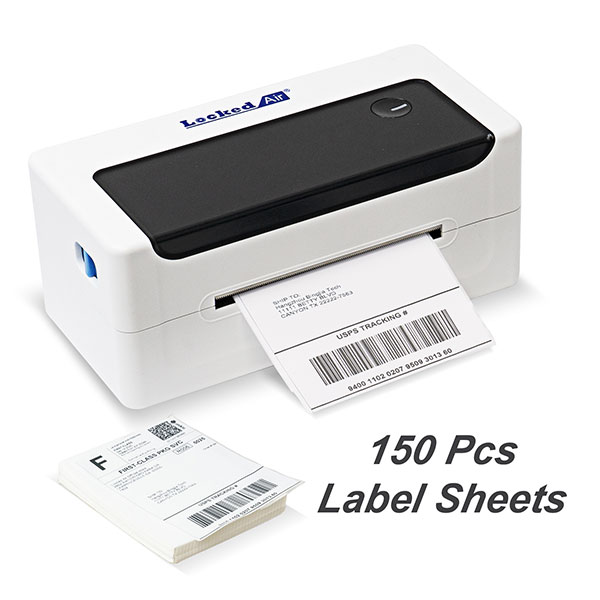
2. No label holder or tray in the package. You can just put fan-fold label sheets on the table.
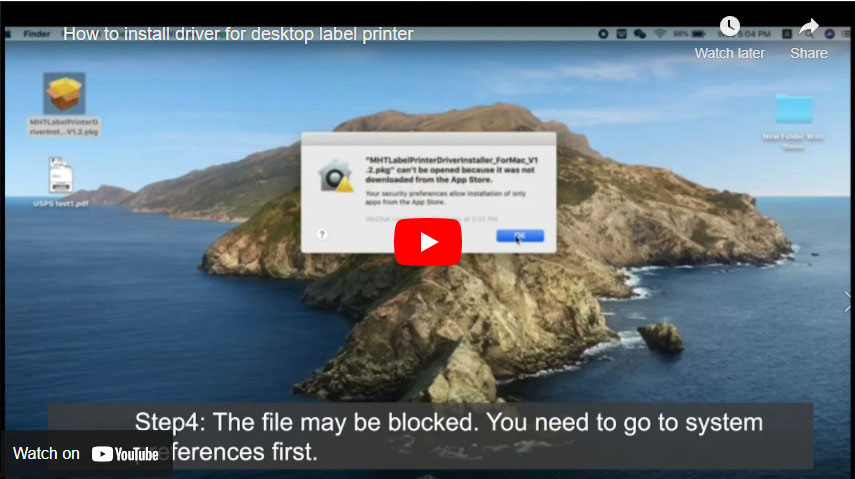
3. This 4x6 thermal label printer is compatible with MAC OS 10.9, MAC OS 10.15, MAC OS 11, MAC OS XP, Linux(Ubuntu), Windows 03, Windows 7, Windows 8, Windows 10.
Specification
| Machine Spec |
Printing method | Thermal line printer |
Paper loading method | Easy paper loading/auto paper feeding |
Printing speed | Actual speed detection: 127.38mm/s |
Printing paper width | 104mm |
Effective resolution | 203 dpi (300 dpi optional) |
Paper type | Continuous paper, label paper, black label paper |
Thickness of printing paper | 0.06-0.18 mm |
Effective printing width | Min 38mm Max 112mm |
Character size | ASCII Font A: 12x24 ASCII Font B: 9x17 Chinese character 24x24 |
Interface type | USB |
Power adapter | DC 24V — 2.5A |
Working environment | Operating temperature: 0- 45°C, Operating humidity: 20-90% |
Storage environment | Storage temperature:-10 ~ 60°C, Storage humidity: 10-90% |
Troubleshooting
The table below shows common problems and solutions for operators.
If you have followed the simple troubleshooting methods but the printer is still not functioning properly, please contact the customer service department of your dealer for assistance.
| Troubleshooting |
POWER indicator is off | a. The AC plug and the power supply plug are not properly connected to the printer socket. b. The printer power switch is not on. | a. Check the power connection and confirm that the AC plug and the power supply plug are properly connected to the printer socket. b. Turn on the printer. |
Unable to print | a. The communication cable is not properly connected to the printer and PC host. b. Communication interface setting error. c. Print status error. | a. Reconnect the communication cable. |
Incomplete print content | a. The paper is not centered. b. Label size setting is incorrect. | a. Adjust the paper position. b. Set the correct label size. |
Incorrect positioning | a. Label learning is not performed. b. Seam label detection photocoupler is offset. c. Wrong mode selected. | a. Label learning is performed. b. Open the cover to confirm whether the seam label detection component is offset. For black label paper, move the seam label detection component according to the black label position so that the detection photocoupler can detect the black label. Label paper/continuous papen The detedion photocoupler must be in the paper range. c. Use the setting tool to open the printer information and confirm whether the paper type is the same as the paper loaded in the printer, which can be changed by using the setting tod. |
Poor print result | a. Paper loading error. b. Print densrty/speed setting error. c. Print head/rubber roller has dust or adhesive accumulation. d. The print head is damaged. | a. Reload the paper. b. Readjust the print density/speed of printer by using the setting tool orihe software. Priiting density can be coarsely tuned with the settrig tool and finety tuned with the driver. c. Clean the print head/rubber roller. (refer to 8.1 "Cleaning Print Head"/82' Cleaning Sensor*78.3 "Cleaning Printing Rubber RoHeT of the Manual.) d. Use the setting tool to d*ct bad point of head piece. If the print head is damaged, please contact the customer service department of your dealer ftx repairs. |
| Fault Phenomenon Cause Solution |
Fault Phenomenon | c. Cause | c. Solution |
POWER indicator is off | d. The AC plug and the power supply plug are not properly connected to the printer socket. e. The printer power switch is not on. | d. Check the power connection and confirm that the AC plug and the power supply plug are properly connected to the printer socket. e. Turn on the printer. |
Unable to print | d. The communication cable is not properly connected to the printer and PC host. e. Communication interface setting error. f. Print status error. | a. Reconnect the communication cable. |
Incomplete print content | c. The paper is not centered. d. Label size setting is incorrect. | c. Adjust the paper position. d. Set the correct label size. |
Incorrect positioning | d. Label learning is not performed. e. Seam label detection photocoupler is offset. f. Wrong mode selected. | d. Label learning is performed. e. Open the cover to confirm whether the seam label detection component is offset. For black label paper, move the seam label detection component according to the black label position so that the detection photocoupler can detect the black label. Label paper/continuous papen The detedion photocoupler must be in the paper range. f. Use the setting tool to open the printer information and confirm whether the paper type is the same as the paper loaded in the printer, which can be changed by using the setting tod. |
Click to see the detailed Specifications

 中文
中文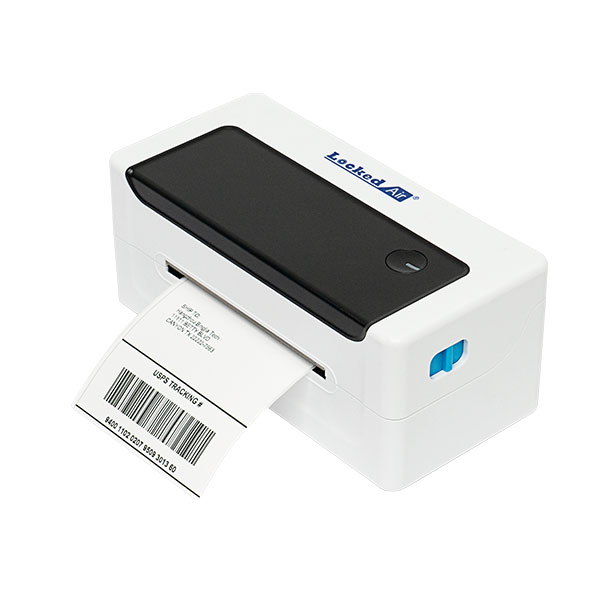
 Apr 11,2025